
Register for a complimentary 30-day trial of WorkspaceDNA Essentials using your Entra ID. The trial provides access to Change360 and supports up to 20 imported applications.
Signing up for a free trial workspace
- Click "No account? Register here"
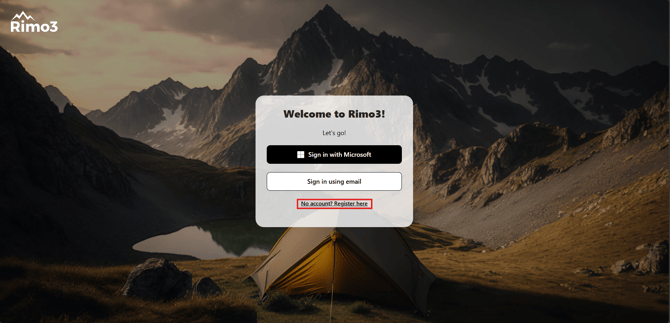
- Click "Sign in with Microsoft" to start the registration process.
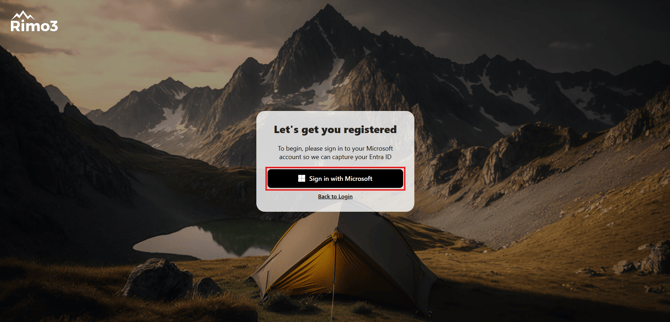
- Follow your organization's Entra authentication process, including multi-factor authentication if applicable. You will return to the registration page once authenticated.
- Choose the deployment type for your free trial Change360 workspace
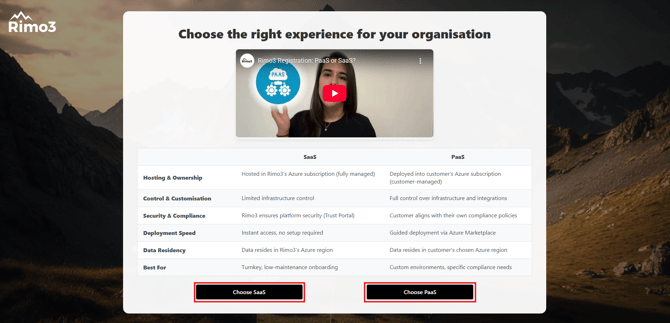
SaaS PaaS Hosting & Ownership Hosted in WorkspaceDNA's Azure subscription (fully managed) Deployed into customer's Azure subscription (customer-managed) Control & Customisation Limited infrastructure control Deployed into customer's Azure subscription (customer-managed) Security & Compliance WorkspaceDNA ensures platform security (Trust Portal) Customer aligns with their own compliance policies Deployment Speed Instant access, no setup required Guided deployment via Azure Marketplace Data Residency Data resides in WorkspaceDNA's Azure region Data resides in customer's chosen Azure region Best For Turnkey, low-maintenance onboarding Custom environments, specific compliance needs - Choose SaaS if you want WorkspaceDNA to host the resources required to power your Change360 workspace.
- Choose PaaS if you want more control over the resources required to power Change360 workspace
- Complete the registration form
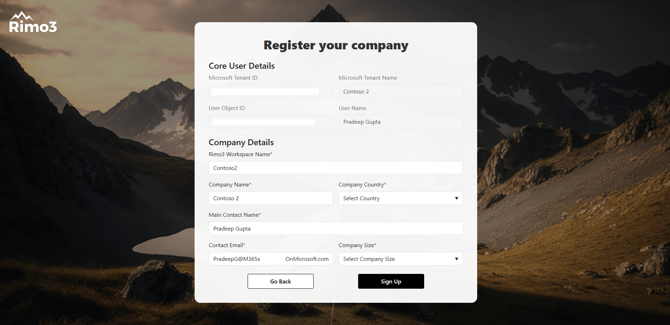
All Fields are mandatory
What happens next?
SaaS
If you chose SaaS a Change360 workspace will be created and WorkspaceDNA hosted resources will be deployed for you. This process typically completes within 24hrs and you will be informed via e-mail when your Change360 workspace is ready to use.
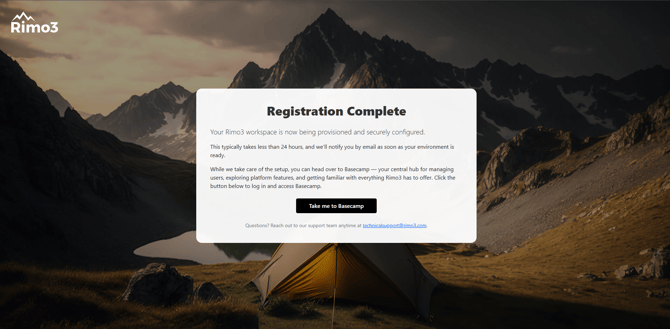
You won't have access to the main platform until the hosted resources are fully deployed, but in the meantime you can start exploring what WorkspaceDNA has to offer via the Basecamp portal, where you can also start inviting additional users to your Change360 workspace.
PaaS
If you chose PaaS a Change360 workspace will be created automatically ready for you deploy Change360 resources to your Azure Subscription using the Change360 Deployment Wizard and Azure Marketplace offering.
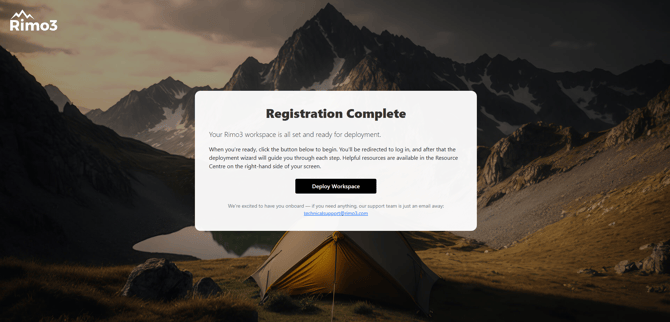
Be sure to review the Prerequisites document and Deployment Guide first, and if you have any queries or need further assistance our friendly Support Team can be contacted on technicalsupport@workspacedna.com.
You won't have access to the main platform until you have completed the deployment process, but in the meantime you can start exploring what WorkspaceDNA has to offer via the Basecamp portal, where you can also start inviting additional users to your Change360 workspace.